

Prerequisites
- Read the Service Configuration guide first. This page covers only the Coolify side and assumes you know the Service’s configuration options.
- Install Coolify and make sure it’s running.
Background
For the PowerSync Service to function correctly, you will need:- A database,
- Authentication service, and
- Data upload service.
Steps
Step 1: Create Docker Compose Empty resource
Step 1: Create Docker Compose Empty resource
Add the
Compose file as a Docker Compose Empty resource to your project.Step 2: Update environment variables and config files
Step 2: Update environment variables and config files
Update the environment variables and config files.Instructions for each can be found in the Configuration options section.
Step 3: Deploy the PowerSync Service
Step 3: Deploy the PowerSync Service
Click on the 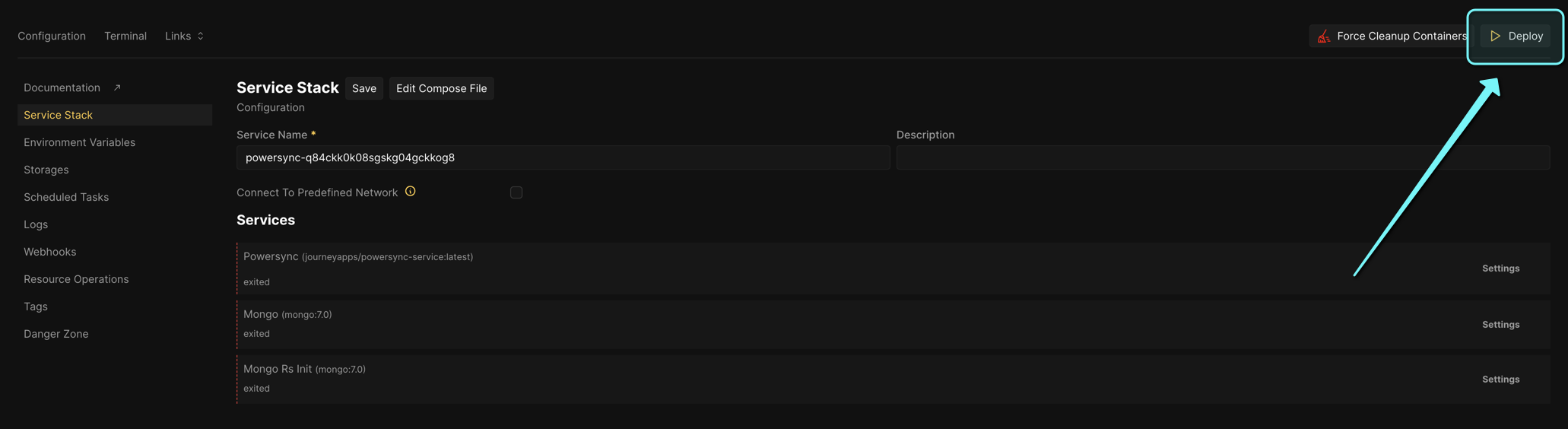
Deploy button to deploy the PowerSync Service.http://localhost:8080if default config was used, orhttp://{your_coolify_domain}:{PS_PORT}if a custom domain or port was specified.
Configuration Options
The following configuration options should be updated:- Environment variables
sync-config.yamlfile (according to your data requirements)service.yamlfile
Supabase
Supabase
- Environment variables
- PowerSync config
Custom
Custom
- Environment variables
- PowerSync config
Base Compose File
The following Compose file serves as a universal starting point for deploying the PowerSync Service on Coolify.
Compose file
Compose file