

Client Authentication
PowerSync clients (i.e. apps used by your users that embed the PowerSync Client SDK) authenticate against the server-side PowerSync Service using JWTs (signed tokens).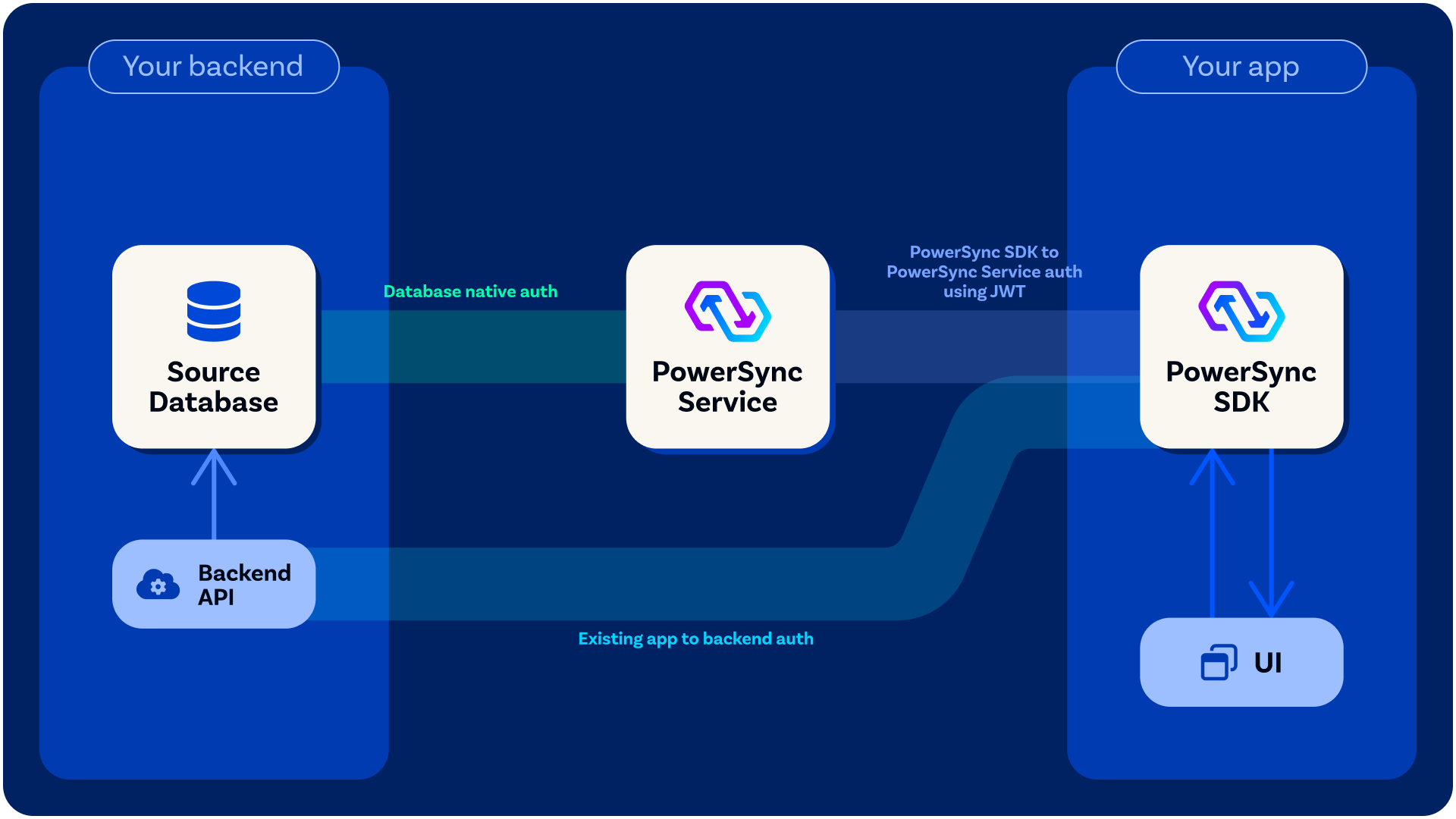
connect() on the client-side PowerSync database, you pass a backend connector as an argument to it, in which you define a fetchCredentials() function that must return a JWT as well the endpoint URL for the PowerSync Service instance that the client will connect to. See here for example implementations. Your fetchCredentials() function will automatically be called by the PowerSync Client SDK whenever it needs a fresh JWT - see When fetchCredentials() is Called for details on the specific conditions and timing.
Client Authentication Options
Development & Testing
For a quick way to get up and running during development, you can generate Development Tokens directly from the PowerSync Dashboard (PowerSync Cloud) or locally with a self-hosted setup.Proper Authentication Integration (Needed for Production)
Use Existing JWT from Auth Provider: Some authentication providers already generate JWTs for users which PowerSync can verify directly — see Common Authentication Providers below. In this scenario, yourfetchCredentials() function can return the existing JWT from your client-side state.
Custom Auth Integration: Generate JWTs: For others, some backend code must be added to your application backend to generate the JWTs needed for PowerSync — see Custom Authentication. In this scenario, your fetchCredentials() function should make an API call to your backend application to obtain a JWT.